
Automated School MIS to Apple School Manager Sync
Connect your school MIS directly to Apple School Manager (ASM). Automate Managed Apple IDs, class rosters, and course assignments for iPads and Macs—without manual CSV headaches.
Sync healthy
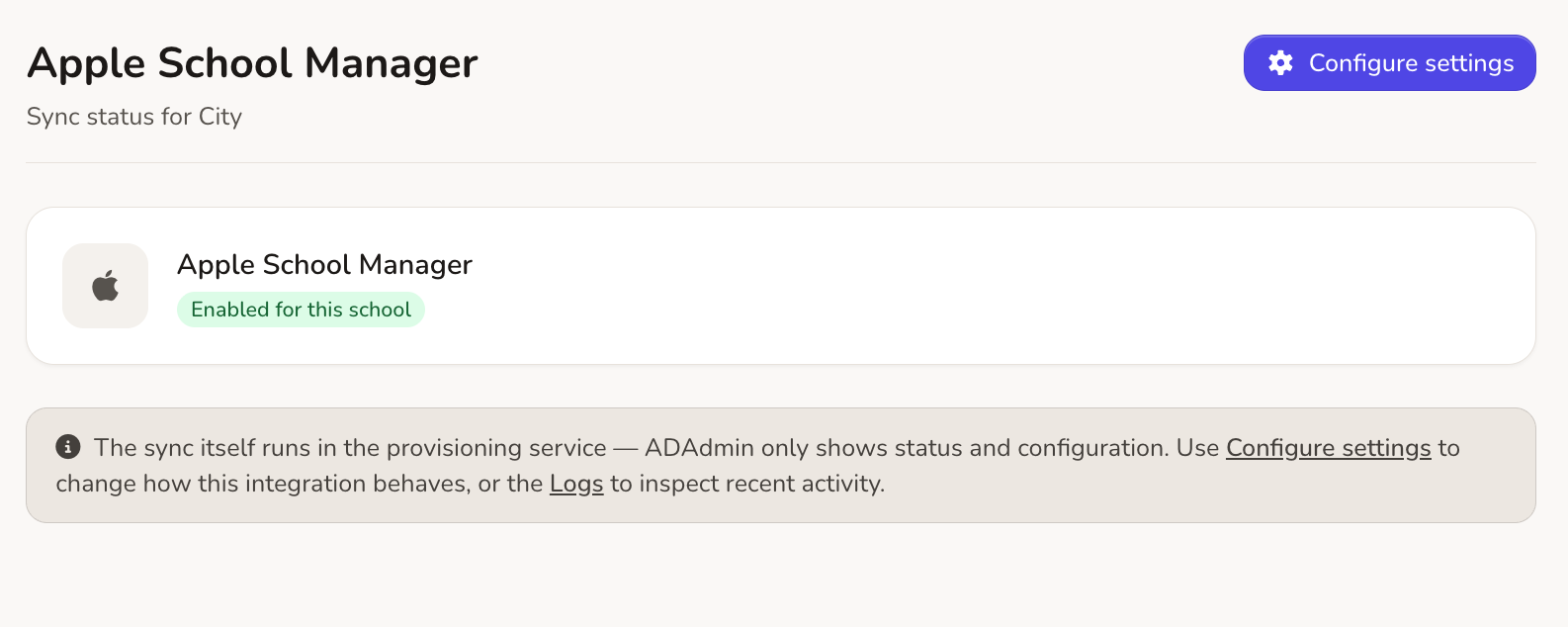
Streamlined Apple School Manager Integration
Connecting your school MIS (such as SIMS, Arbor, or Bromcom) to Apple School Manager shouldn’t require endless spreadsheet manipulation. Realsmart provides an automated, cloud-based sync engine that reads fresh MIS data daily and compiles 100% compliant SFTP import files. Automatically provision Managed Apple IDs, structure class rosters, and feed accurate data straight into ASM and Jamf School.
Automated MIS Data Extraction & Daily Sync
Eliminate manual CSV data entry. Realsmart securely extracts student, staff, and timetable data from your school MIS multiple times per day to keep Apple School Manager completely aligned:
-
Automatic User Creation: Instantly provision new staff and student Managed Apple IDs as soon as they are added to your MIS.
-
Live Class Rosters: Automatically update course enrolments and student class groups when timetables change mid-term.
-
Multi-Platform Ready: Prepare seamless data structures compatible with Apple School Manager and Jamf School.
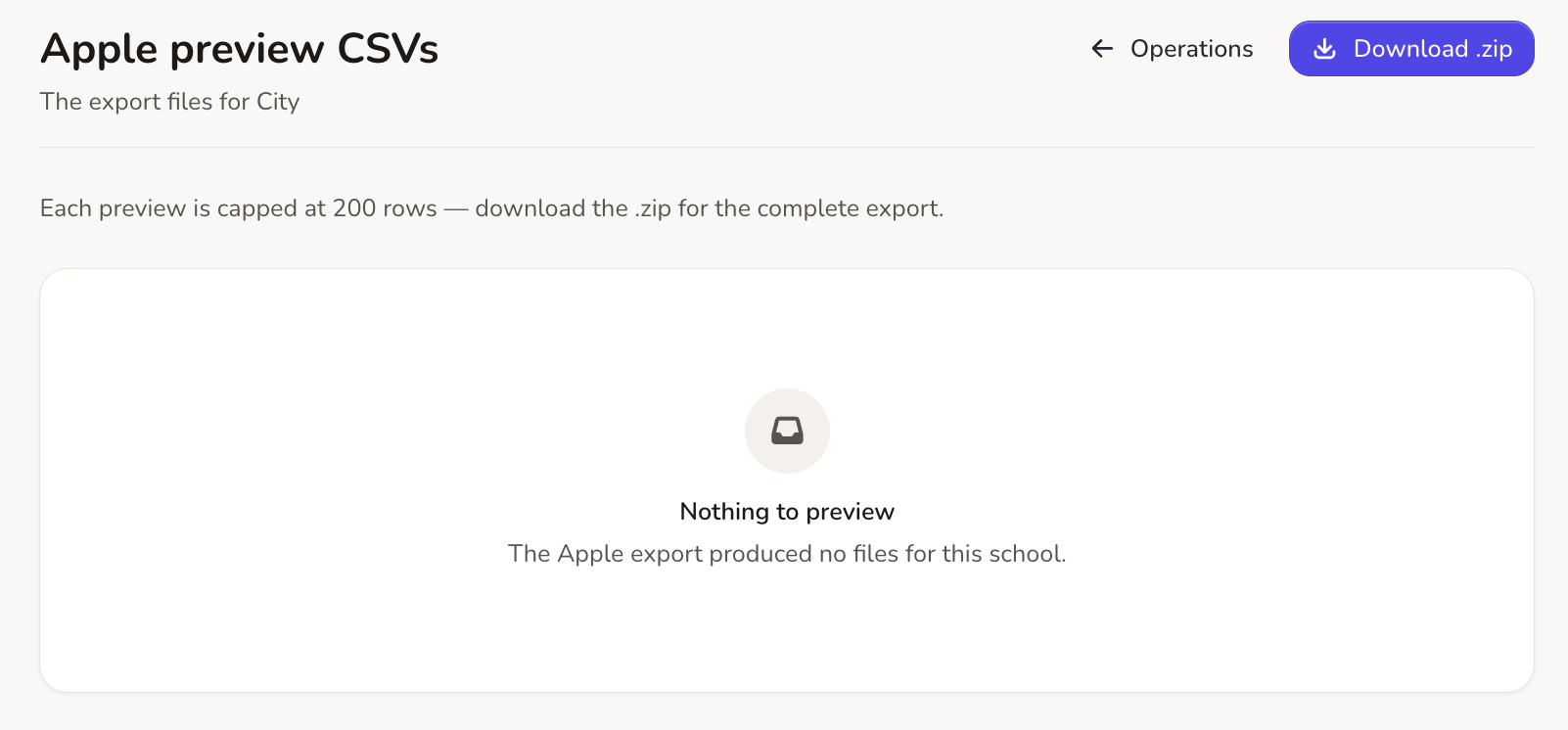
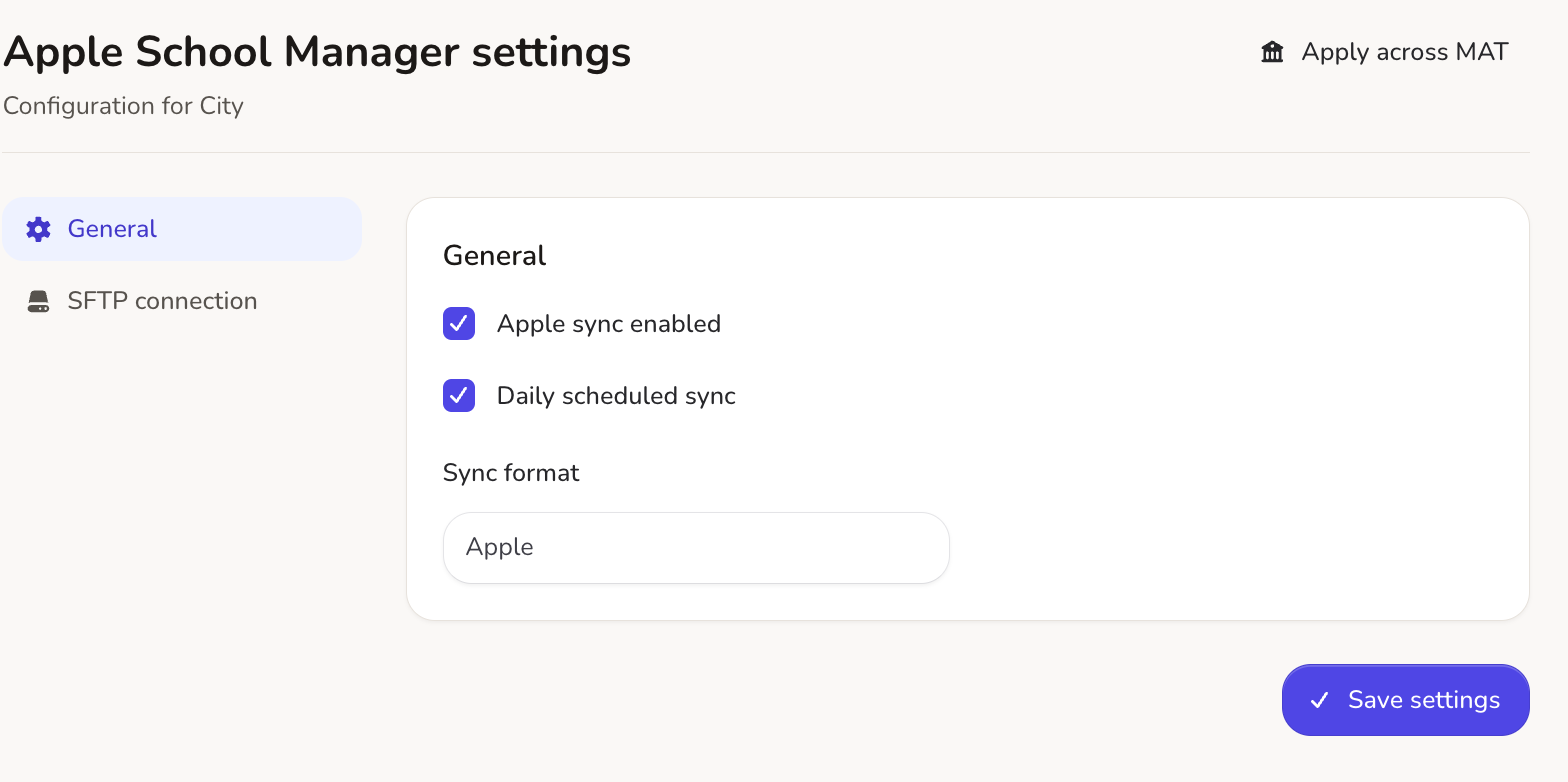
Guided SFTP Assistant & Setup Workflow
Linking your MIS to Apple’s SFTP Assistant takes just a few clicks inside the Realsmart admin interface:
-
Step-by-Step Wizard: Clear contextual tooltips guide you through linking Apple School Manager SFTP credentials.
-
Pre-Upload Data Validation: Inspect and test your data feed before committing updates to live Apple environments.
-
Automated File Formatting: Ensure 100% compliance with Apple’s strict CSV data standards effortlessly.
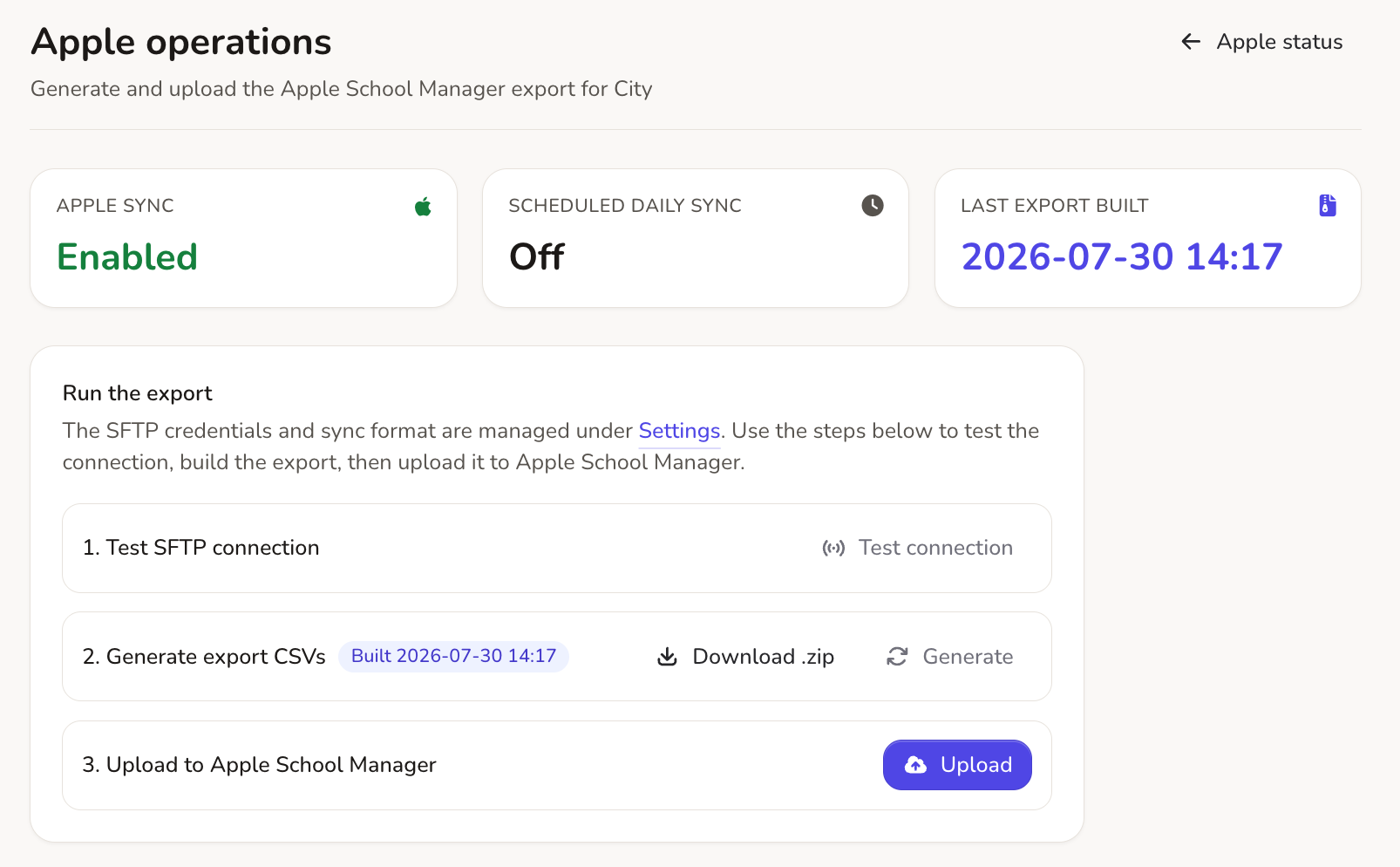
One-Click & Scheduled ASM Sync Execution
Take full control over when and how your Apple School Manager environment receives updated MIS data:
-
Automated SFTP Uploads: Schedule hands-free background uploads to ASM so your directory is always current.
-
On-Demand Syncing: Need a new student or teacher provisioned immediately? Trigger a manual push with a single click.
-
Zero Administrative Overhead: Replace tedious spreadsheet manipulation with automated, error-free directory provisioning.
No hidden errors. Complete control over your Apple directory data.
Every MIS to Apple School Manager sync provides clear status monitoring and transparent logging. Troubleshoot data exceptions effortlessly or review our step-by-step ASM connection guide.
100% Compliant CSVs
Automatically formatted import files strictly matching Apple’s SFTP specification.
Plain-English Status & Logs
Instantly pinpoint misconfigured student IDs or missing email addresses without guessing.
Jamf & MDM Integration
Streamline device assignment, Classroom app setup, and shared iPad deployments.
Complete Control Over School Apple Provisioning
Our UK-based technical support team ensures your MIS to Apple School Manager pipeline is configured for maximum reliability.
Managed Apple IDs
Automate accounts for staff and students directly from live MIS records.
Course & Class Rostering
Structure subjects, teachers, and student groups for Apple Classroom.
SFTP Upload Automation
Deliver automated data packages securely to Apple’s ingest server.
Jamf School Sync
Output data optimised for instant MDM enrolment and Jamf integration.
Multi-Daily MIS Sync
Keep student movements aligned with daily automated MIS data polling.
Step-by-Step Tooltips
Integrated setup assistance simplifies configuration for school IT staff.
On-Demand Execution
Trigger manual sync updates instantly during busy start-of-term intake.
UK Support & Guides
Access expert guidance and full documentation whenever you need help.
Sync Apple, Google Workspace, Entra ID, and Active Directory together.
Running iPads alongside Google Chromebooks or Windows PCs? Realsmart unifies all your school’s cloud and on-premise directory syncs into one intuitive dashboard.