
MIS to Active Directory sync for schools
Connect your MIS to Active Directory on your own Windows Server. Users, passwords and OUs, created and kept up to date for you, from a team that has synced UK schools for over 15 years.
Active Directory Sync
You don’t need heavy infrastructure. A small, secure connector runs on your Windows Server and takes its instructions from the same engine as our Google and Entra sync, so Active Directory gets the same preview and logs as the cloud.
What it does for you
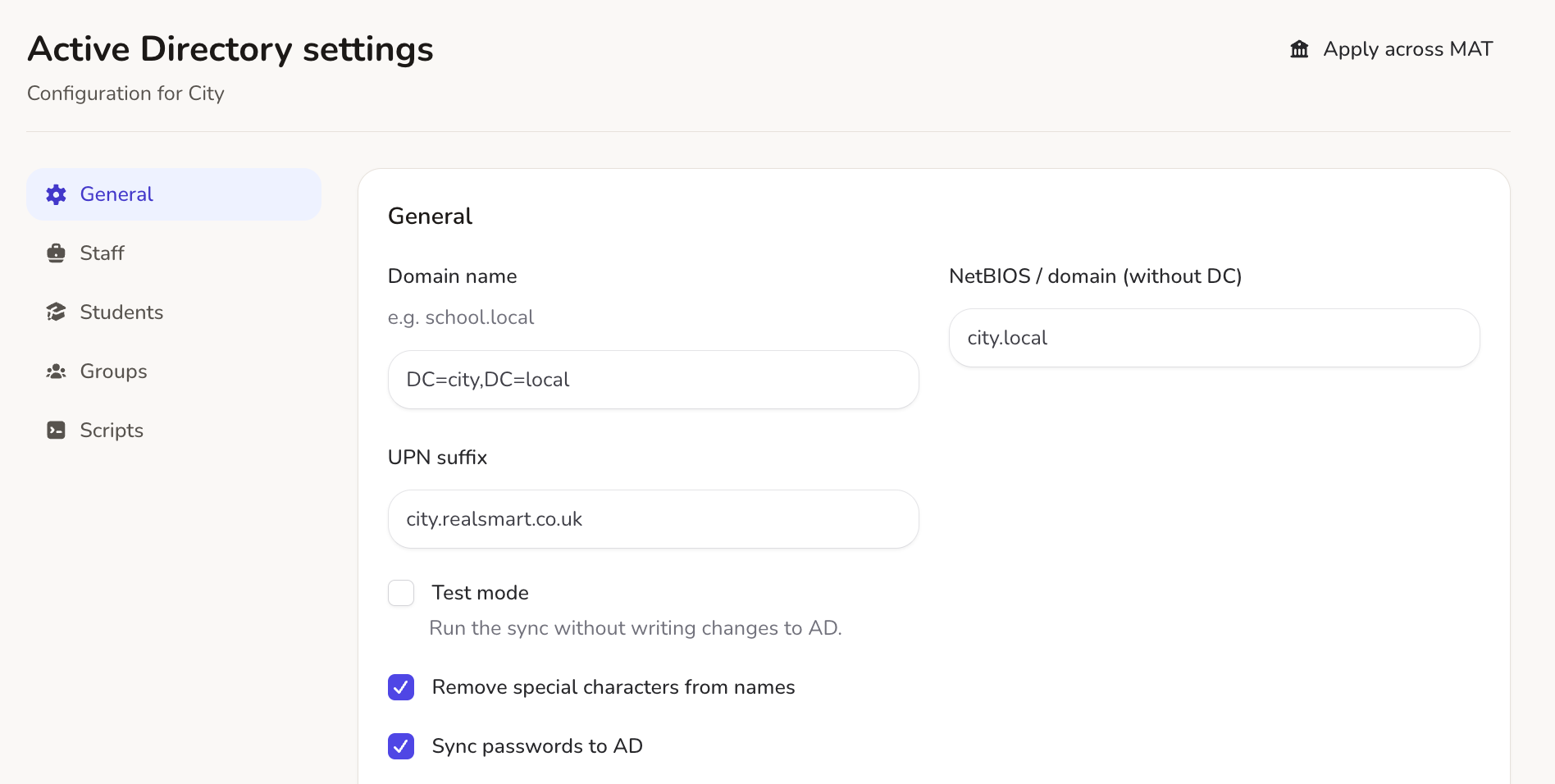
Manage your Active Directory settings from one web dashboard. Sign in from anywhere, change your sync rules, and Realsmart handles the rest on your server:
-
Display names: Choose exactly how pupil and staff names appear in your directory.
-
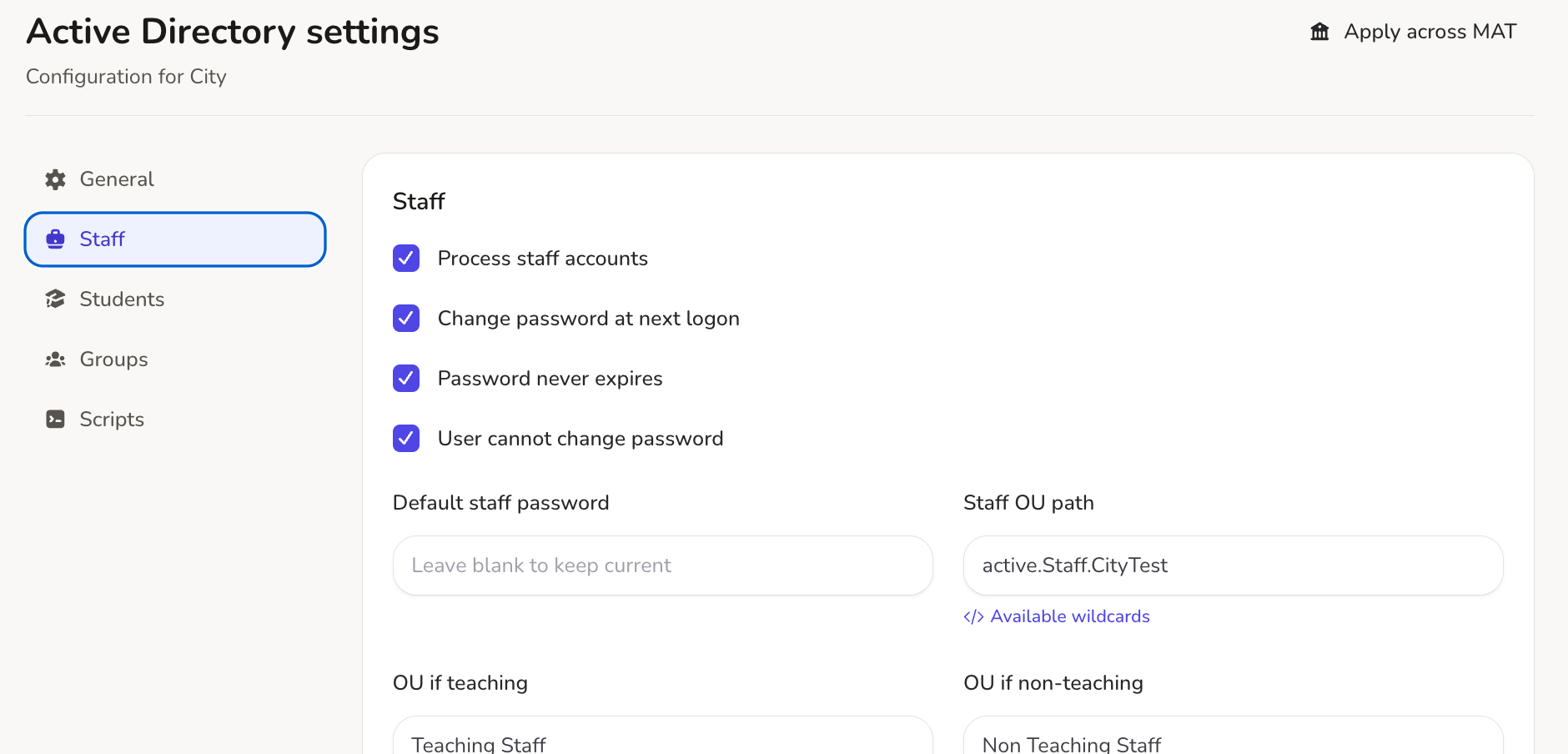
Organisational units: Decide where new and existing users land in your AD tree, based on your MIS.
-
Groups: New users are added to the right security and distribution groups.
-
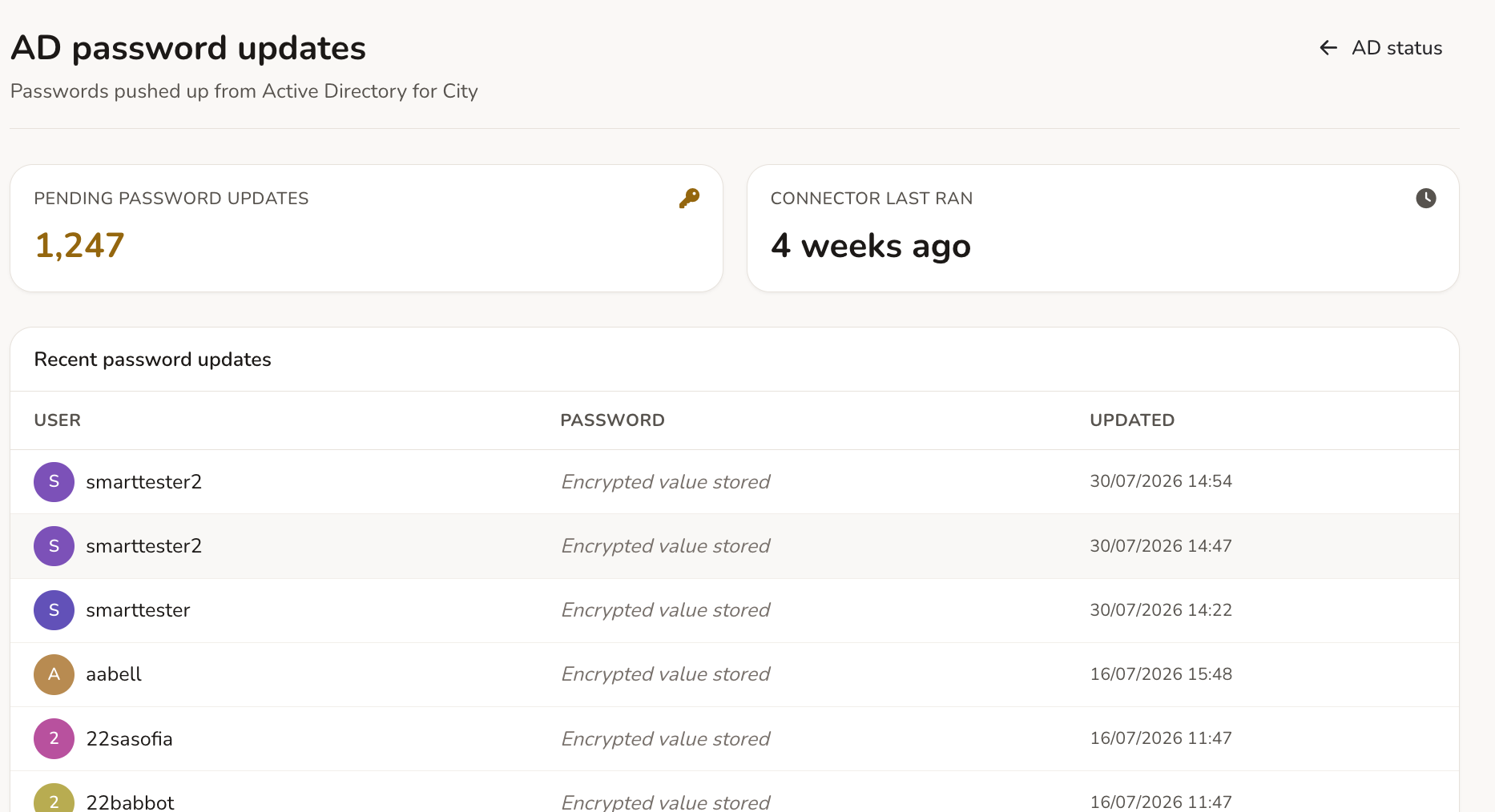
Passwords: Set starting passwords and require a change at first sign-in.
On your schedule, or on demand
Schedule syncs around your network’s busy times, or run one whenever you need to:
-
Windows Task Scheduler: Set syncs to run on your server at the times that suit your network.
-
On demand: Need a new starter added now? Run an update with one click.
-
Fresh MIS data: Realsmart keeps your MIS data up to date, so it is ready for the next sync.
Leavers and role changes, handled
Keep your directory tidy when people leave or change roles:
-
Disable leavers: Accounts are disabled in AD when someone leaves or is suspended in your MIS.
-
Leavers OU: Disabled accounts move to a “Leavers” or archive OU of your choice.
Logs, previews and email alerts
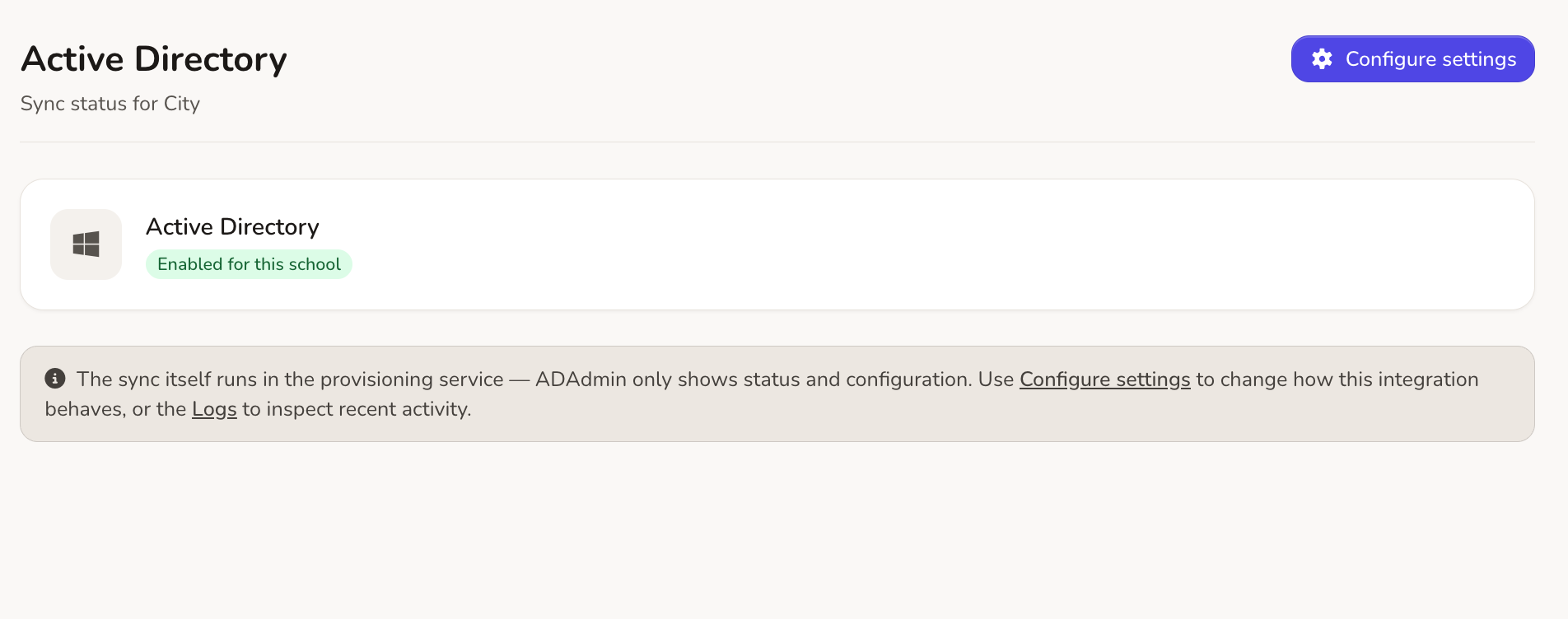
Never guess what changed. You can see every update to your server:
-
Preview exports: Check planned changes in the web app before they reach your server.
-
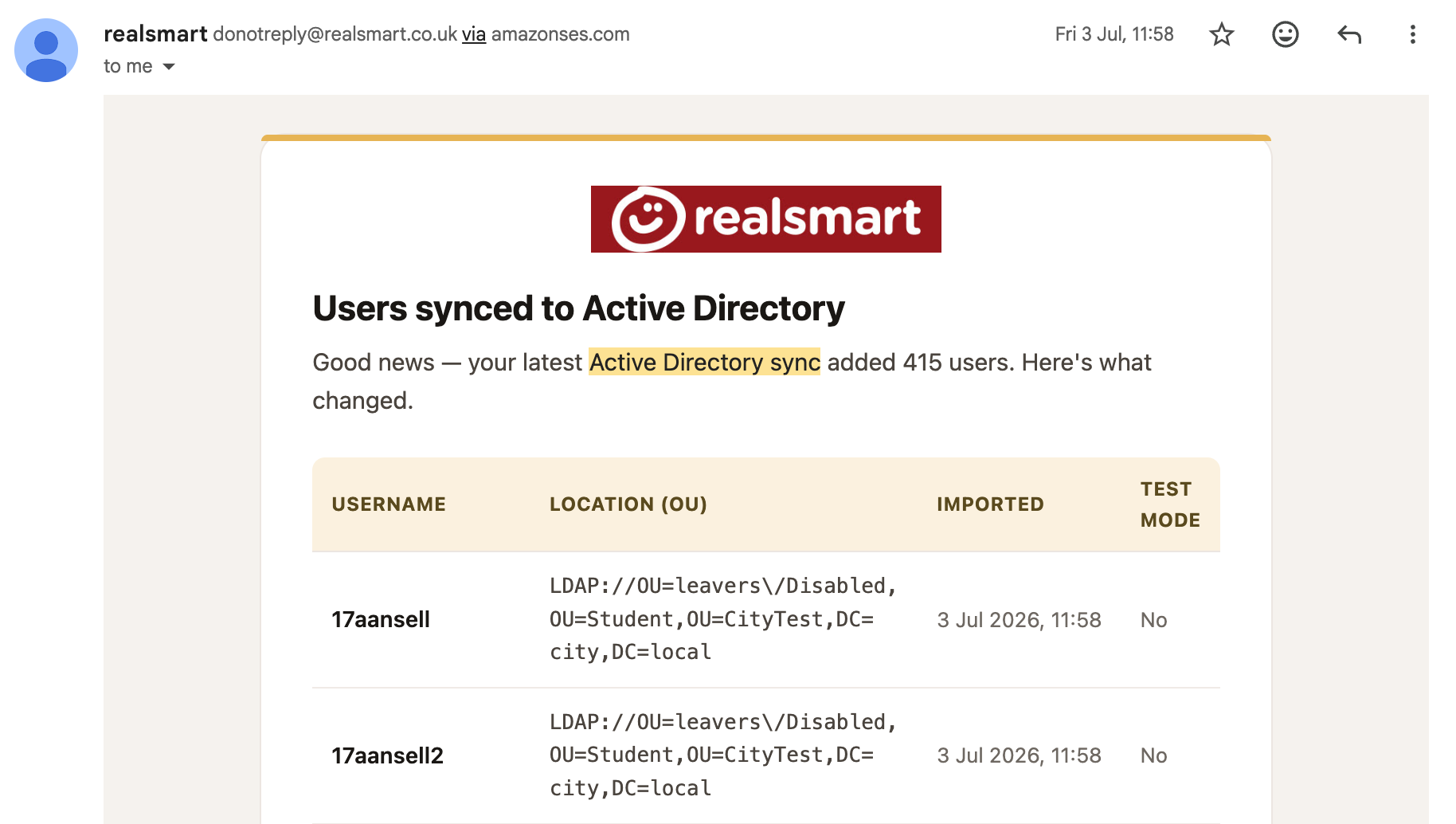
Email alerts: Hear about new accounts, and where in the AD tree they were placed.
-
Audit log: Every account created, changed or added to a group is recorded in Smartadmin.
See what’s happening and fix it yourself.
Every sync runs on a schedule and is logged in full. Before anything touches your server, you can see exactly what will change.
Status dashboard
One screen shows the health of your Active Directory sync, its history and anything waiting to run.
Plain-English errors
No cryptic codes or log files to dig through. Issues are explained in plain English and sorted so you know what to fix first.
A full audit trail
Every new account, OU move and group change is recorded in Smartadmin.
Getting started
Our UK support team will help you install the connector on your Windows Server and get your first sync running.
New accounts
Accounts, display names and starting passwords from your MIS.
OUs
Staff and pupils placed in the right organisational units.
Group membership
Security and distribution groups added when an account is created.
Scheduled syncs
Run in the background with Windows Task Scheduler, or on demand.
PowerShell scripts
Run your own PowerShell scripts for new users, to set up folders or licences.
Leavers
Leavers disabled and moved to an archive OU.
Email alerts
A summary of new accounts and where they were placed.
Previews and logs
See planned changes in the web app before they run on your server.
Run Google Workspace, Entra ID and Active Directory sync together.
Use Google Workspace or Microsoft 365 too? Run every sync, cloud and on-site, from one dashboard.