
When a pupil or member of staff leaves, their account shouldn’t vanish the same day. Teachers may still need to hand work back, and a leaver might return. But accounts shouldn’t hang around for ever either: every unused account is something to secure, and an old username can block a new starter with the same name.
Realsmart Sync already suspends leavers and tidies them away later. From today, you choose how long “later” is.
The new setting
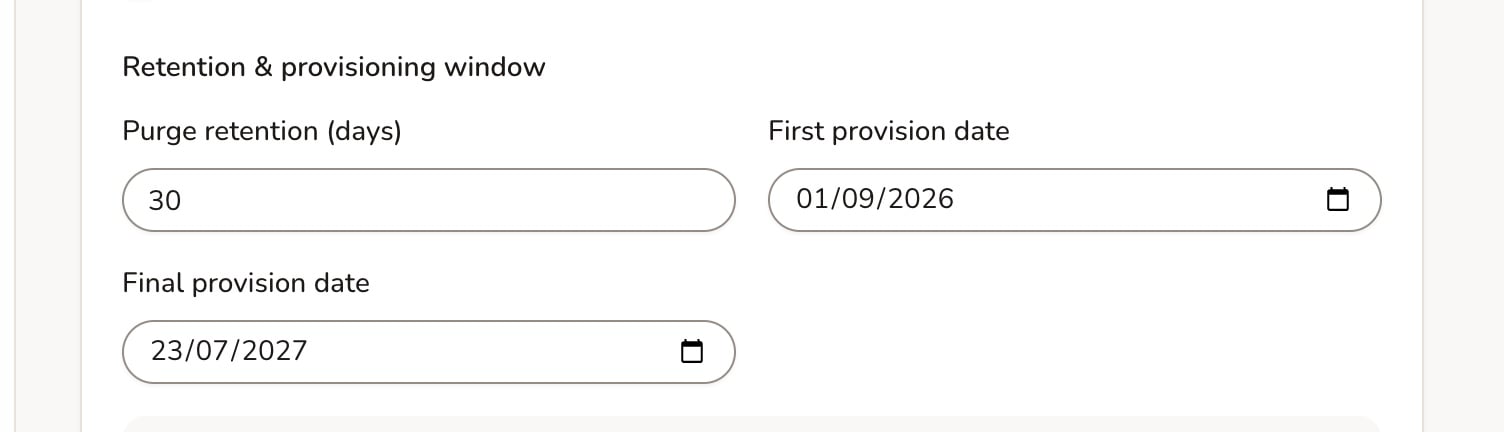
On your school’s Sync settings, under User Purge, you’ll find Purge retention (days).
- Leave it blank to keep the default of 90 days.
- Enter any number from 1 to 3650 (that’s up to ten years) to set your own.
How the days are counted
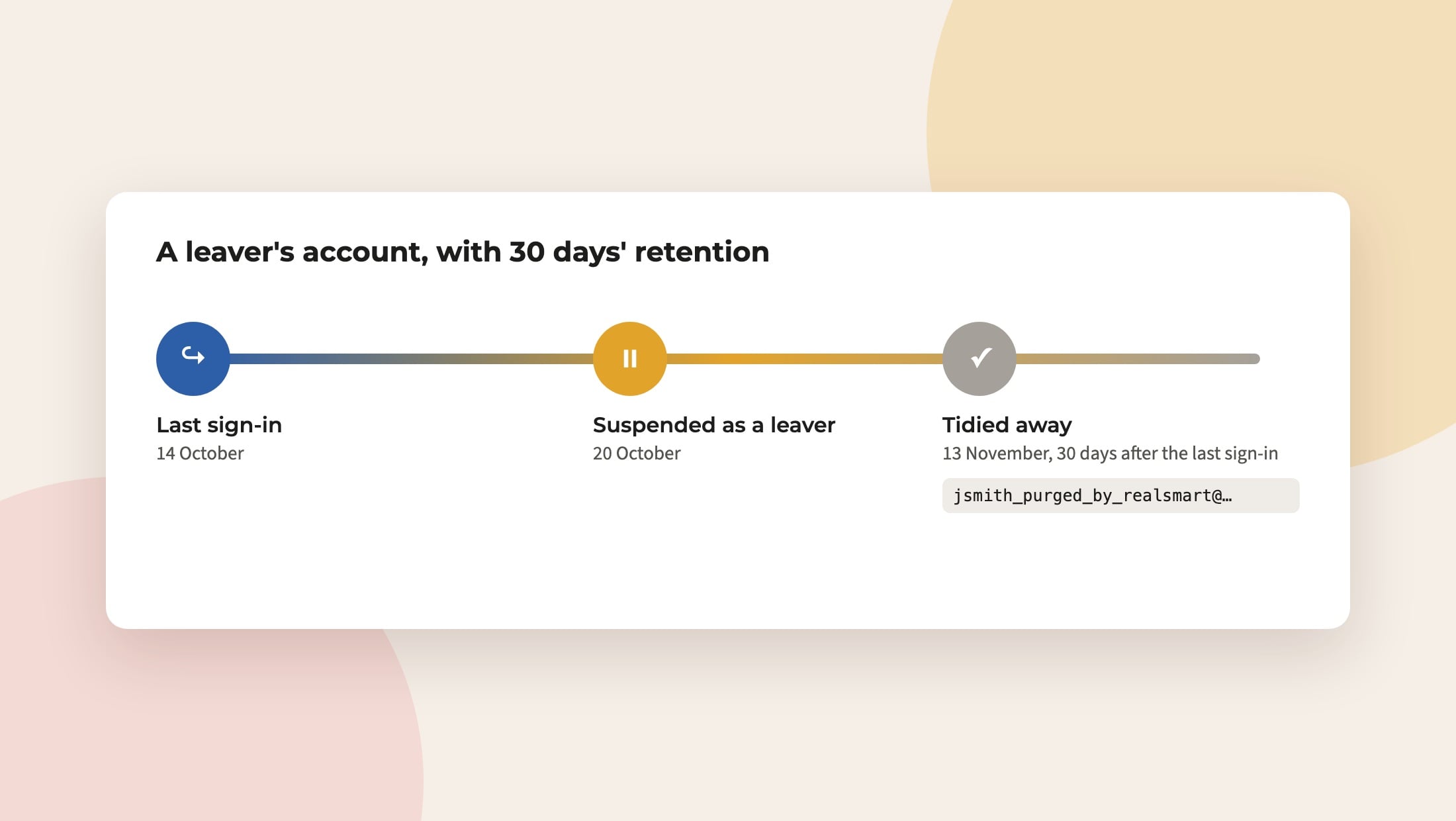
The clock starts from the person’s last sign-in, not from the day they were suspended. So an account that’s still being used isn’t tidied away under someone’s feet. If a suspended user signs in again, their scheduled purge is cleared.
What happens in Google
When the time comes, the Google account is not deleted. Instead it is renamed to username_purged_by_realsmart@yourdomain, its alias is removed, and it stays suspended. That frees the original username for a new starter, while the old account and its data stay in your Google Workspace for as long as your own policies require.
Groups that have been suspended or deleted for longer than your retention period are tidied away too.
Choosing a number
Most schools are happy with 90 days. If your data protection policy sets a different period for leavers’ accounts, use that. If you’re unsure, your data protection officer is the right person to ask, or email support@realsmart.co.uk and we’ll talk it through.