
Photos, videos and documents are the heart of a school website: the Year 6 residential, the nativity, the newsletter, the policy that has to be up by Friday. This term we have made getting them onto your website a lot less fiddly.
Files up to 500 MB
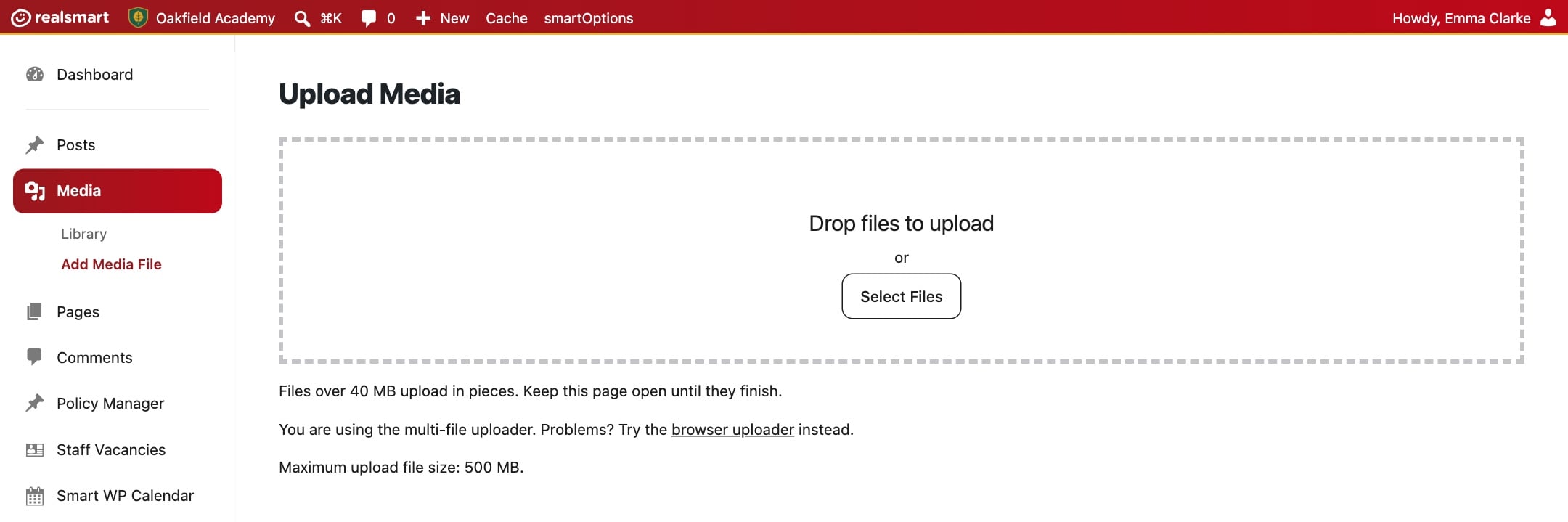
The largest file you could upload used to be about 50 MB. That ruled out most videos and plenty of prospectuses. You can now upload files of up to 500 MB, such as videos, large PDFs and slide decks, straight from the Media Library. Big files are sent in small pieces behind the scenes, which makes large uploads much more reliable.
iPhone photos just work
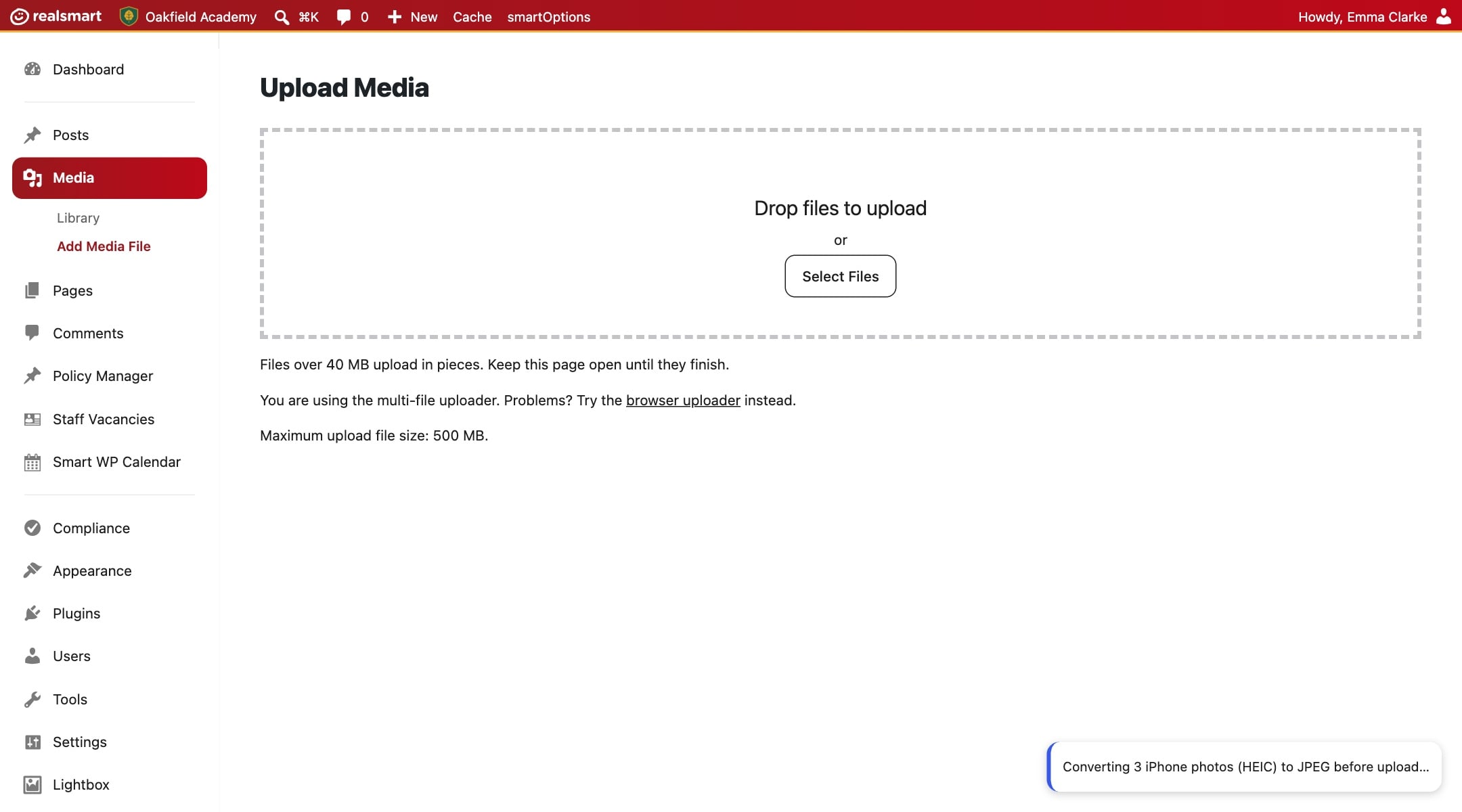
iPhones save photos in a format called HEIC, which most web browsers cannot show. Until now, a photo uploaded straight from an iPhone could look fine on your Mac and broken for every parent on Chrome or Windows.
Now, when you choose a HEIC photo, your browser turns it into an ordinary JPEG before it is uploaded. You will see a short “Converting…” message, and then it uploads like any other photo. Very large photos are scaled down to a sensible size on the way.
We have also made uploading lots of photos at once more reliable. Drop in a whole set from a school trip and they should all arrive.
Replace a file everywhere at once
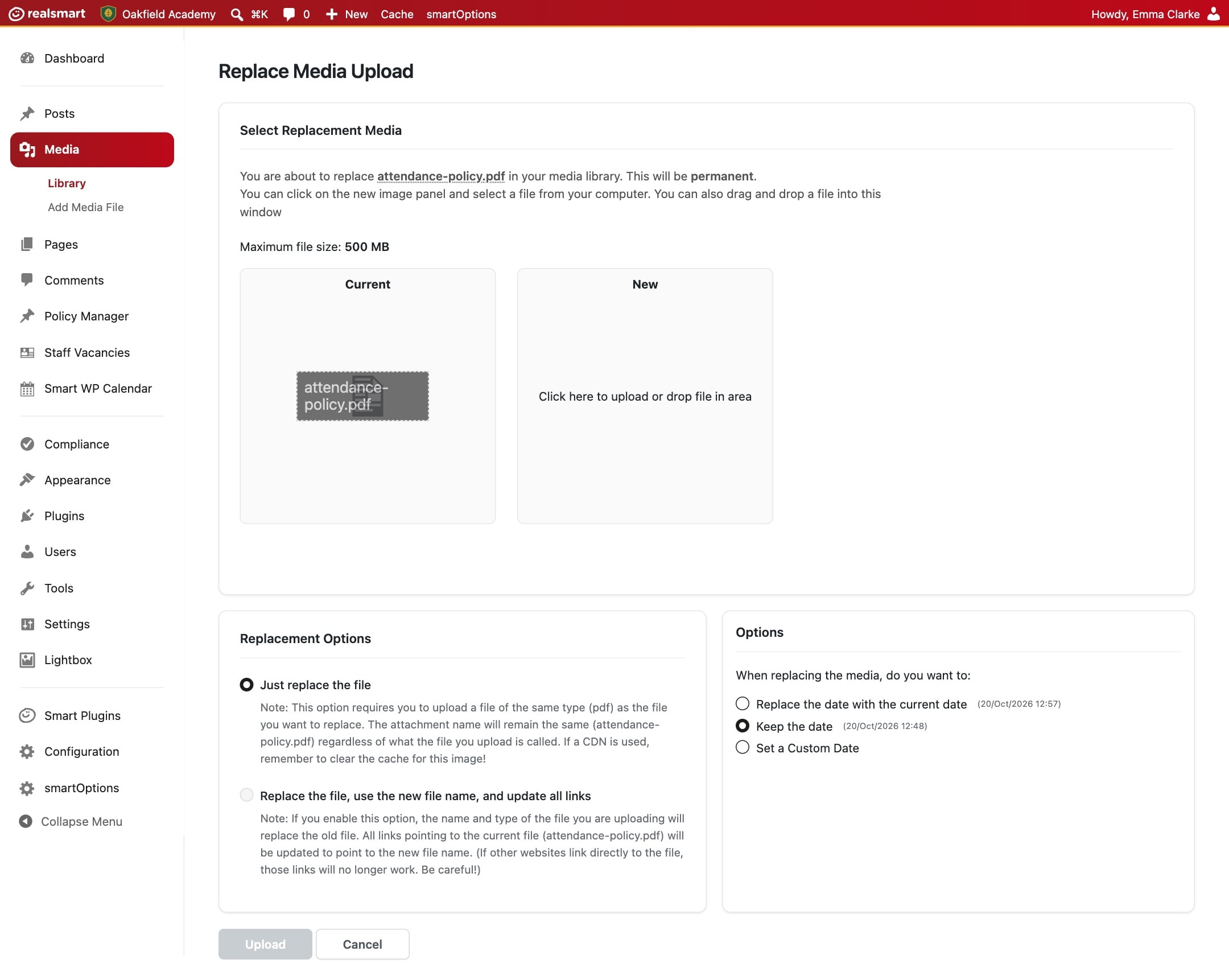
When a policy or a letter is updated, you no longer need to upload the new one and then hunt down every page that links to the old one. Open the file in the Media Library and choose Replace Media. Every page that uses it shows the new version straight away, at the same address.
Crops and rotations show up straight away
If you have ever cropped a photo in the Media Library and wondered why visitors still saw the old one, that is fixed. When you crop, rotate or resize an image, visitors now see the edited version as soon as you save it.
Anything to do?
No. All of this is already on your website. If an older image still looks wrong after you have edited it, use Replace Media to upload it again, or email support@realsmart.co.uk and we will take a look.