
Recruitment is one of the hardest jobs in a school, and most candidates start their search on Google. When someone types “teaching assistant jobs near me”, Google shows a box of job listings above the ordinary results. That box is Google Jobs, and until now school vacancies on Realsmart websites did not appear in it.
They can now.
What has changed
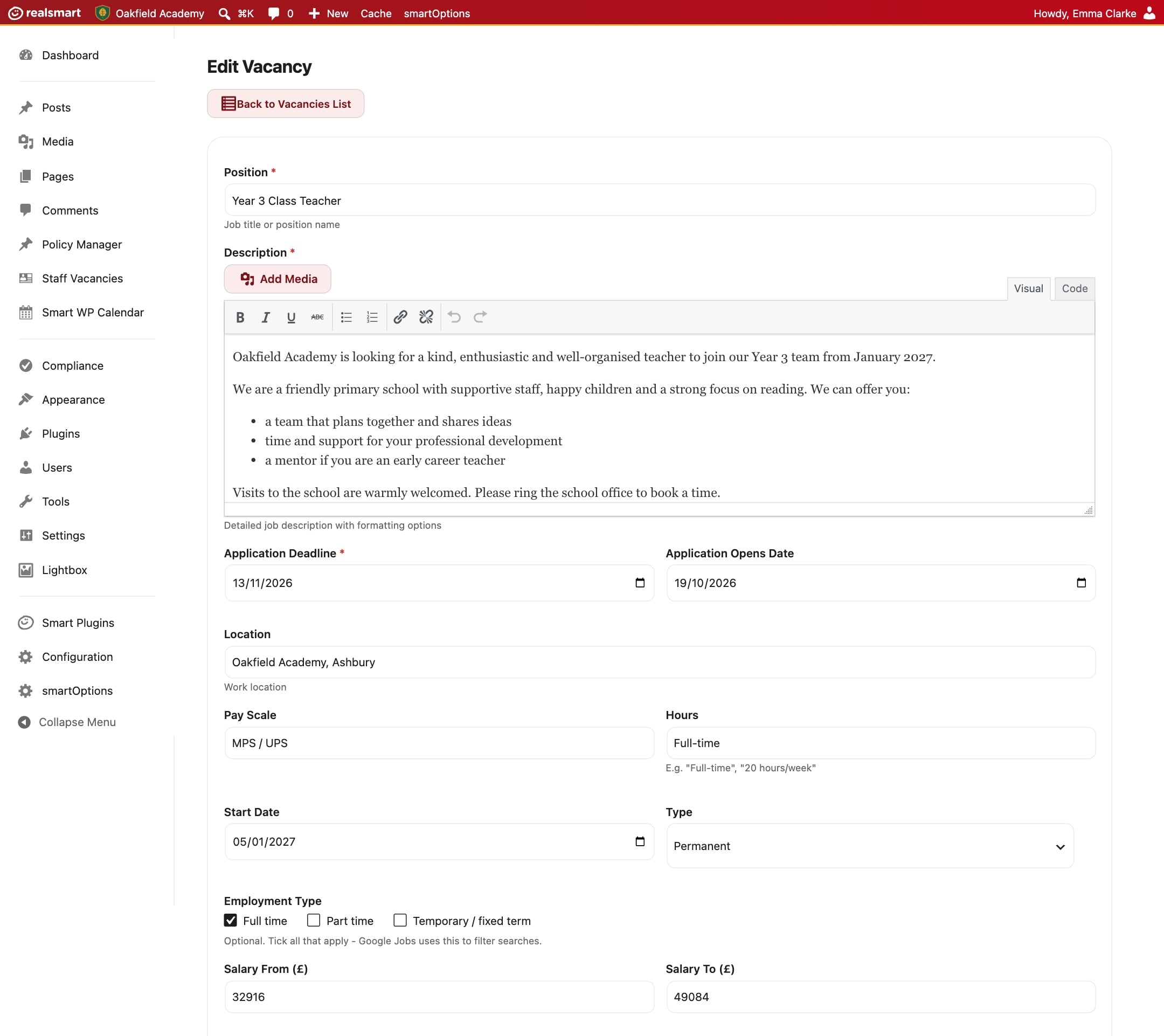
When you add a vacancy with Staff Vacancies, it gets its own page on your website, as it always has. That page now also carries a short, hidden description written the way Google asks for it: the job title, the description and how to apply, the date it opened, the closing date, and where the job is.
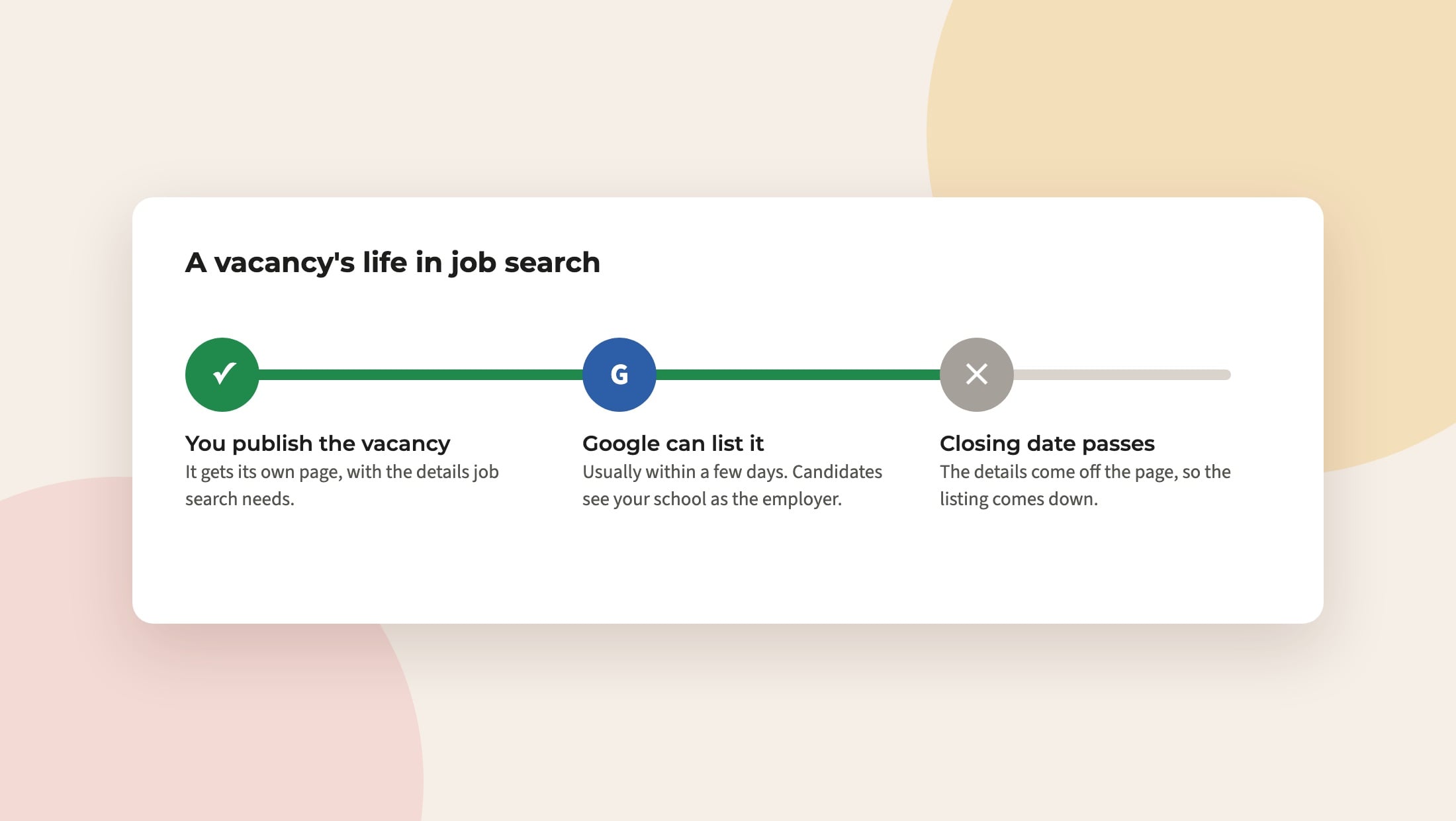
Google reads that description and can list the job in its job search, with your school as the employer.
- Only open vacancies are listed. When the closing date passes, the description comes off the page, so Google stops showing a job you have already filled.
- The location is your school’s. We take your address from your website’s settings. If that is missing, we use your school’s entry in the DfE’s records, so the job appears in searches near you.
- Nothing to switch on. It works for every school that uses Staff Vacancies, including vacancies you have already posted.
Search engines can now find your whole website
While we were working on this, we found that search engines were not being told where to find each school’s sitemap, the list of every page on your website. Every school website now names its own sitemap, so Google and others can find new pages, news and vacancies sooner.
Getting the best from it
Google decides what to show, and it can take a few days for a new vacancy to appear. You can help it along:
- Fill in the closing date. Google gives jobs with a clear deadline more weight, and it means the listing comes down on time.
- Write the description as you would for a candidate. Say what the role is, the hours and contract, and what makes your school a good place to work. That text is what candidates read in Google.
- Check your address. If your website still shows a placeholder address, let us know and we will put it right.
Questions? Email support@realsmart.co.uk.